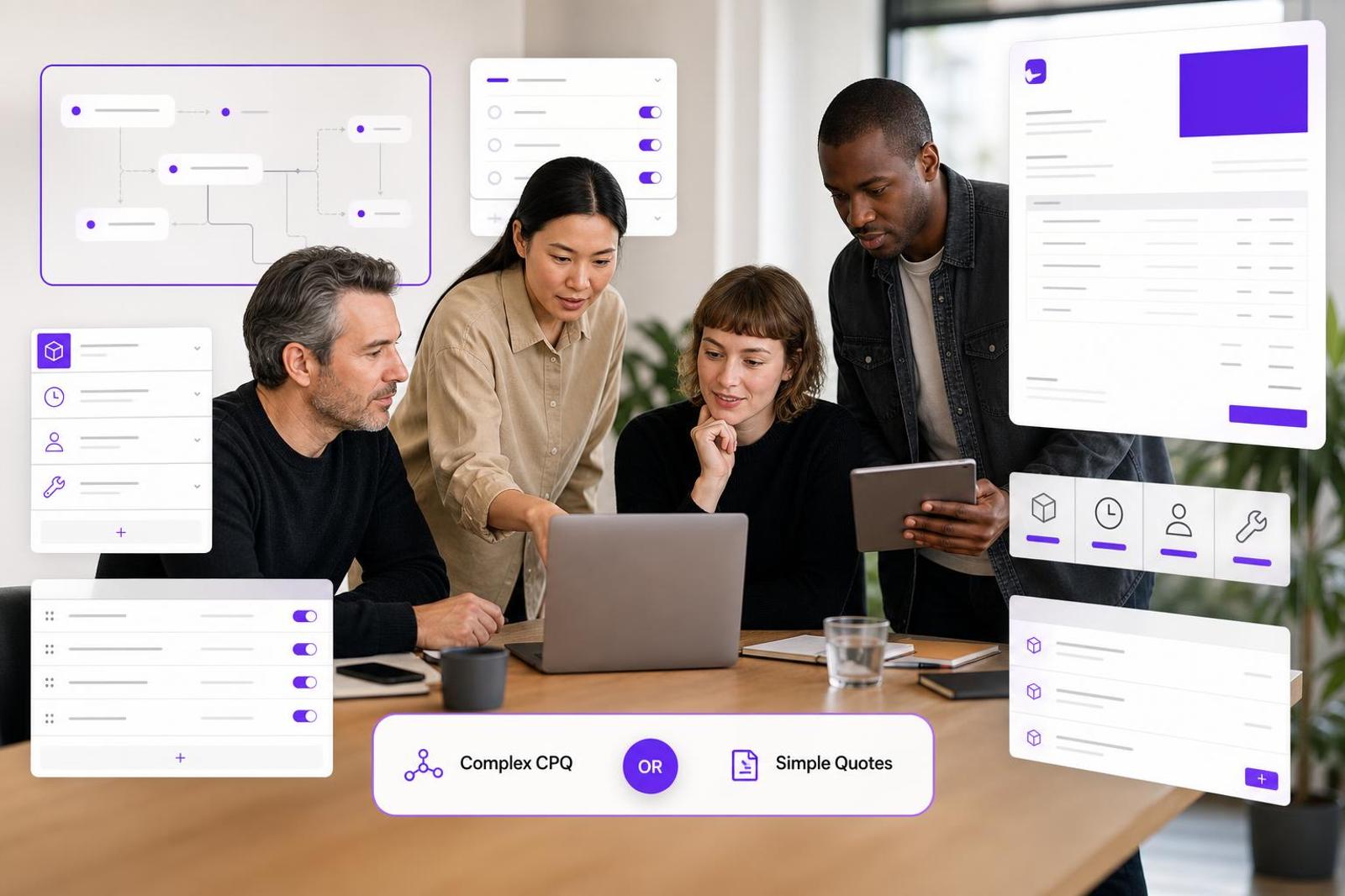
If you send client quotes regularly, you will eventually run into the term CPQ. It sounds serious, and for some businesses it is. But for many agencies, consultants, freelancers, studios, developers, designers, and contractors, full CPQ software is more system than the team actually needs.
CPQ stands for configure, price, quote. In plain English, it helps a sales team choose the right product configuration, apply pricing rules, and generate a quote. Salesforce describes CPQ as software for configuring products, applying pricing, managing discounts and approvals, and producing accurate quotes. That is useful when your pricing has many moving parts. It can also be heavy if your real problem is simply that quotes are slow, inconsistent, or trapped in copied documents.
The simple difference
CPQ is built for complex quoting. Focused quote software is built for clean, repeatable quoting. The difference matters because buying the wrong tool usually creates one of two problems: you either keep using a lightweight system after your pricing has become too complicated, or you adopt a large CPQ workflow when a reusable quote template would have solved the issue.
CPQ is usually the better fit when:
- Your quote depends on product configurations, dependencies, or compatibility rules.
- Different options change the price automatically based on formulas.
- Sales reps need guardrails for discounts, approvals, and package rules.
- Mistakes are expensive because the wrong configuration can break delivery.
- You have multiple salespeople quoting the same complex offer in different ways.
Quote software is usually the better fit when:
- You sell services, packages, retainers, projects, or simple productized offers.
- You mainly need reusable line items, templates, branded PDFs, and faster sending.
- Your pricing judgment still belongs with the owner, estimator, consultant, or project lead.
- You want to protect margins without showing every internal cost to the client.
- You need a practical tool the team will actually use without a long rollout.
A practical example
Imagine a software company selling a product with seats, modules, add-ons, integrations, contract terms, territory rules, and discount approvals. CPQ can make sense because the quote needs logic. One choice affects another, and the system helps prevent invalid combinations.
Now imagine a small web studio quoting a new website. The quote may include discovery, design, development, copy support, SEO setup, hosting handoff, optional maintenance, and a payment schedule. That does not necessarily require CPQ. It usually requires a clear template, reusable services, thoughtful pricing, and a professional quote the client can understand quickly.
That is where focused quote software often wins. Instead of configuring a complex product, you are assembling a clear client-ready scope from proven building blocks. If you are still deciding between broader platforms, this guide on quote software vs proposal software vs CRM is a useful companion because the same principle applies: match the tool to the job, not to the fanciest feature list.
CPQ vs quote software: quick decision checklist
Use these questions before you commit to a tool. If you answer yes to most of the CPQ questions, you may need CPQ. If you answer yes to most of the quote software questions, a focused quoting workflow will likely be faster and cheaper.
Choose CPQ if:
- Your quotes need configuration rules, not just line items.
- Your sales team regularly chooses from hundreds or thousands of possible combinations.
- Incorrect bundles, quantities, dependencies, or discounts create serious delivery risk.
- You need formal approval workflows before a quote can be sent.
- Your pricing must sync tightly with ERP, inventory, procurement, or enterprise sales systems.
Choose focused quote software if:
- Your offers are mostly services, project packages, materials, labor, or retainers.
- Your biggest pain is recreating quotes from scratch or copying old documents.
- You need better presentation, not a complex sales operations platform.
- You want to reuse products, service descriptions, pricing structures, and payment schedules.
- You need simple margin protection, branded PDFs, and mobile-friendly quoting.
Where CPQ can become overkill
CPQ can be powerful, but it is not automatically better. It can introduce setup projects, admin work, pricing-rule maintenance, sales process redesign, and integrations that small teams may not have time to manage. NetSuite’s CPQ overview explains how CPQ is useful for customized products where prices are calculated from configurations instead of simple price sheets. That is the clue: if you do not have complex configurations, you may be paying for a problem you do not have.
For many service businesses, the issue is not configuration. It is consistency. One quote has too little detail. Another exposes internal costs awkwardly. Another uses an old payment schedule. Another forgets an optional add-on. Another takes two hours because the estimator is rebuilding the same structure again. Those are quoting workflow problems, and they are usually solved with templates and reusable product libraries before they require CPQ.
How a focused quoting workflow should work
A simpler quoting system should help you move from rough estimate to polished quote without turning the process into a sales operations project. In ququ, for example, you can build reusable products and quote templates so common services are ready to drop into a new client quote. That is especially useful for agencies, consultants, contractors, and studios that sell similar work with small adjustments from project to project.
You can also keep internal costs hidden while redistributing them automatically into client-facing line items. That matters when you need to include project management, admin time, subcontractor handling, or contingency without showing the client a messy list of internal margin mechanics. The client sees a clean, confident quote. You still protect the numbers behind it.
Good quote software should also make the final document feel professional. Branded PDF export, clean line items, clear descriptions, optional sections, and mobile quoting help small teams send something that looks considered rather than improvised. If automation is part of your decision, read this practical guide to quote automation for small teams before automating everything at once.
Red flags that you are buying too much software
- You need a consultant just to set up your quote templates. Some setup is normal. A long implementation for basic service quotes is a warning sign.
- Your team avoids the tool. If people keep returning to spreadsheets and copied documents, the system is probably too heavy.
- You are mapping rules you do not really use. CPQ is valuable when rules matter. If every quote still needs human judgment, keep the workflow flexible.
- The monthly cost only makes sense for a large sales team. Small businesses should be careful with per-seat pricing and enterprise feature bundles.
- The tool is optimized for proposals when you mostly need quotes. Long proposal features can slow down simple client approvals.
When to upgrade from quote software to CPQ
Starting simple does not mean staying simple forever. You may outgrow focused quote software if your offers become heavily configurable, if several reps need strict pricing governance, or if quote errors are becoming too costly. A contractor with a few standard renovation packages may not need CPQ. A manufacturer selling configurable systems through a reseller network might.
A good rule: upgrade when pricing logic becomes too complex for a person to reliably manage inside a quote template. Until then, invest in cleaner templates, stronger service descriptions, reusable products, payment schedules, internal margin notes, and a consistent approval process.
The bottom line
CPQ is for complex configuration. Quote software is for faster, cleaner, more consistent client quotes. Most small service businesses do not need to start with enterprise-style CPQ. They need a system that helps them reuse proven pricing, present work professionally, protect margin, and send quotes without rebuilding the same document every time.
If that sounds like your business, ququ is designed for that middle ground: focused quoting without the overhead of a proposal suite or CPQ rollout. You can create reusable products, build quote templates, hide and redistribute internal costs, export branded PDFs, and quote from mobile. Start free, then use the flat $5/month unlimited plan when it becomes part of your regular workflow.