Holiday catering gets easier to manage when the menu, buying list, receipts, fulfilled orders, and remaining supplies are written down as separate but related records. The aim is not to turn a small kitchen into an accounting department. It is to give the owner and team a shared view of what each booking requires, what was purchased, and what remains after the event.
Start with the confirmed booking and the version of each menu item you intend to serve. Then prepare an ingredient list and a separate list of non-food supplies, such as serving trays, napkins, and takeaway containers. Keep event-specific notes clear enough that a teammate can tell which ingredients or supplies were bought for which booking.
Start with a stable menu and recipe version
For each event, record the menu product, expected serving count, and the recipe version or preparation notes the kitchen will use. If a client changes a side dish or guest count, update the event copy and make the change visible to the team. Do not assume that a menu name alone communicates portion size, garnish, substitutions, or service style.
A simple planning example: for a booking of 40 boxed lunches, list the chosen main, side, and dessert; identify the quantities needed per serving; then multiply those quantities by the planned number of boxes. Add a separately identified allowance for reasonable prep loss or late changes if your business uses one. This is a planning calculation, not an automatic recipe-costing result.
Turn the menu into two buying lists
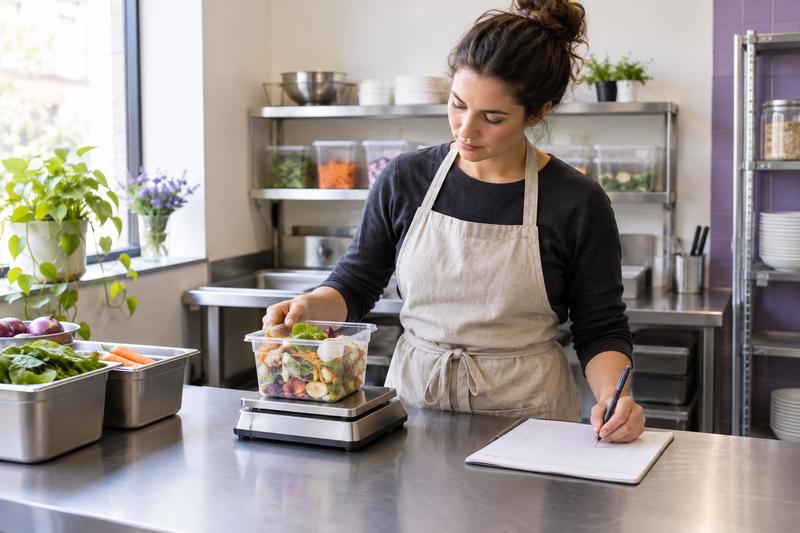
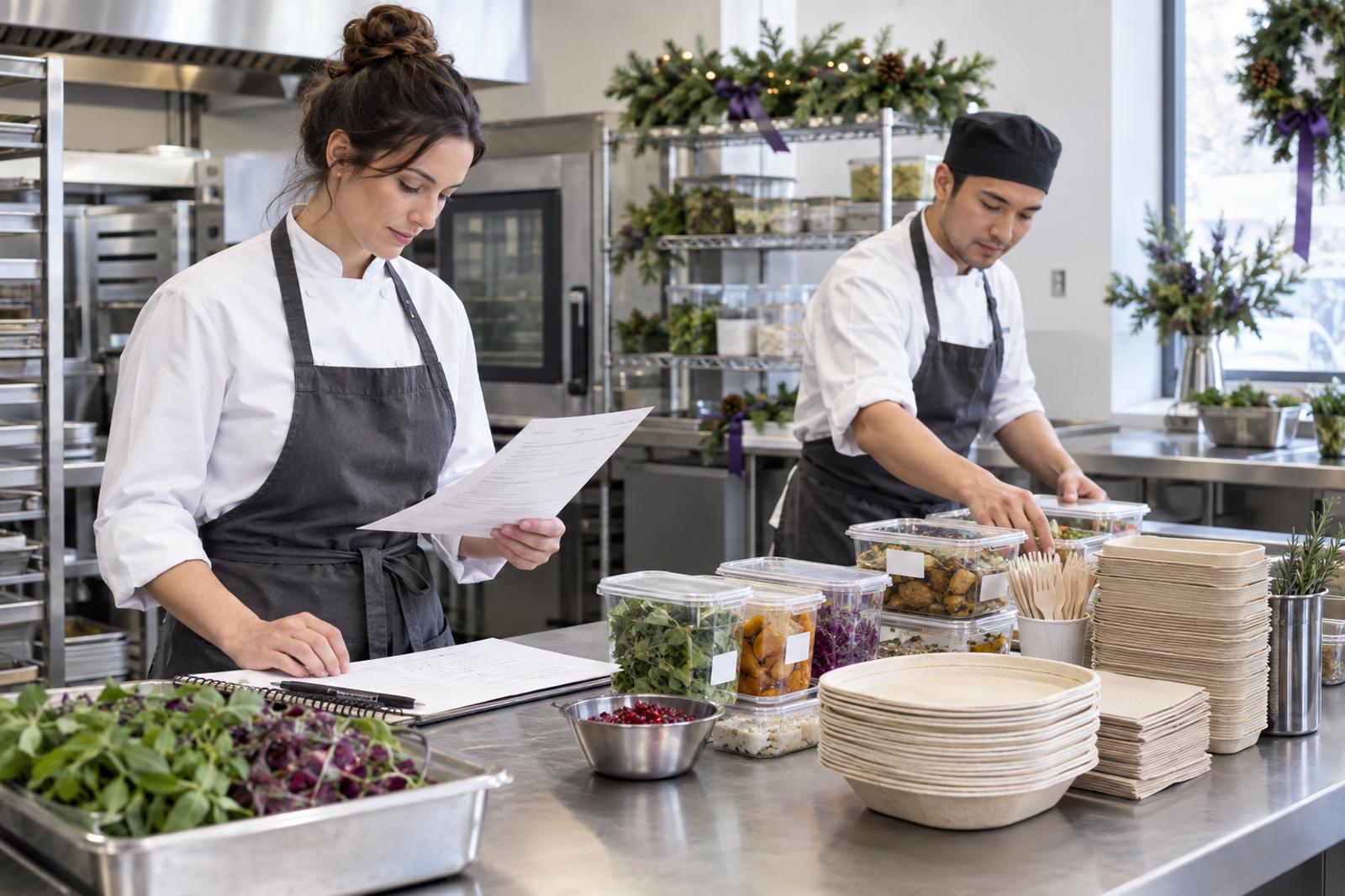
Separate ingredients from disposables and other supplies. For example, the ingredient list might show 40 rolls, 40 portions of a filling, 40 fruit servings, and the quantities of condiments required by the recipe. The supply list might show 40 food-safe containers, 40 napkin sets, and a small number of backup containers. Write the unit beside each quantity—each, case, pound, or bottle—and identify what is already on hand before placing an order.
For each purchase, keep the supplier, date, amount, receipt or invoice, and intended event or general stock use together. If one purchase serves several bookings, note a reasonable allocation method instead of assigning the whole invoice to one event. Save the original evidence; a working list is not a replacement for the purchase record.
Record what was purchased and what was actually sold
After an event, record fulfilled sales separately from the original estimate. A booking for 40 meals is not the same thing as 40 meals delivered, and a scheduled event is not the same thing as a completed sale. Note canceled quantities, approved additions, refunds, and any balance still due in the records your business uses.
Then review supplies that remain: unopened dry goods, unused disposables, ingredients that must be handled or discarded under your kitchen procedures, and items returned to general stock. Do not treat every leftover as usable inventory. Use your food-safety process and local rules to decide how food is stored, dated, or discarded; a sales or inventory record does not establish that food is safe to serve.
Use a short pre-event and post-event routine
- Before booking prep: confirm the menu and recipe version, serving count, delivery or service details, and who owns final approval.
- Before purchasing: compare the ingredient and supplies lists with stock on hand, confirm units, and check supplier timing yourself.
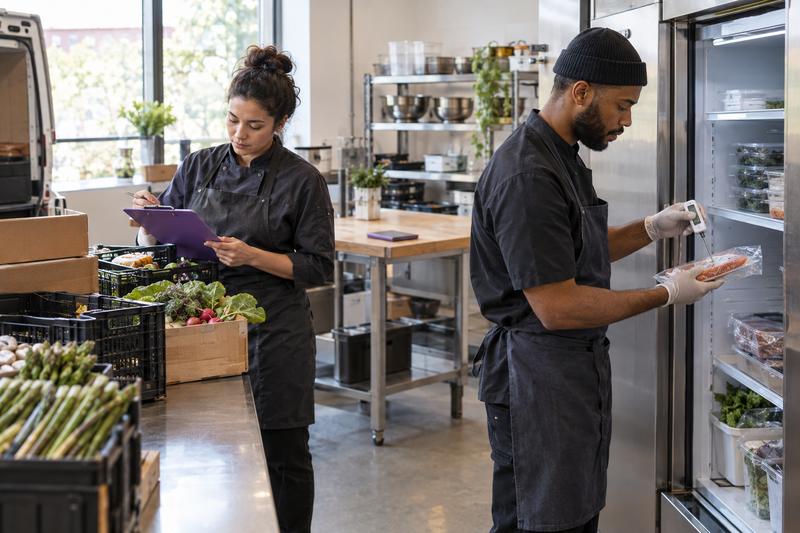
- At receipt: keep purchase documentation and note which booking or stock category the items support.
- Before service: verify quantities against the final order and follow your kitchen’s food-safety controls.
- After service: record actual fulfilled sales, refunds or changes, and remaining supplies; assign a person to resolve uncertain entries.
For food handling and date marking, consult the FDA Food Code and confirm which requirements your state or local authority has adopted. The FDA describes the Food Code as a model for retail food safety; it is not a certification and it does not mean a software tool verifies compliance. The FDA’s safe food handling guidance is also useful background, but your local health department is the authority for the rules that apply to your operation.
Ququ Food’s current overview describes managing menu products and recipes, recording purchases and sales, and reviewing supplies, inventory, and food finances. See Ququ’s product overview for the current description. Keep those records distinct from any client-facing event quote: the menu and purchasing workflow should not be assumed to populate a quote or synchronize with a point-of-sale system.
If you also need to plan what a client approves, our separate event services quote template covers line items, timelines, deposits, and changes. For a related explanation of how to show outside purchases in a client-facing price, see how to quote third-party costs without surprises. These guides address quoting separately; they do not imply that purchase records and quote items are automatically connected.
Review the event while the details are fresh
Set aside a few minutes after each booking to compare the plan with what happened. Which ingredients or disposables ran short? Which purchase was larger than needed? Was a last-minute change documented? Use those observations to improve the next buying list, while keeping recipe versions and safety practices under the kitchen’s control.
A repeatable record of menus, purchases, sales, and remaining supplies makes seasonal work easier to hand off and review. Keep the workflow modest enough to maintain, save supporting receipts and invoices, and ask your local regulator about food-safety requirements rather than relying on an inventory tool or a generic checklist.